Memory
Pareto keeps notes for a project and reads them at the start of every later conversation there, so a correction lands once.


Unbiased AI Harness is the open-source Mac app for Pareto, the AI from Unbiased. Describe a job in plain words. Pareto researches the web, works in your Mac apps and edits your files, and asks before it changes anything.
Open source. Runs on an Unbiased plan or creditsMacs with an M1 or later chip, macOS 12+Latest version
Expect one warning. The first time you open it, macOS says it could not verify Unbiased. Click Done, open System Settings > Privacy & Security, click Open Anyway, then open Unbiased again. Full steps below.
Each conversation is one job, described in plain words. Pareto plans it and works it step by step. Every step it took, every file it changed and every button it pressed is listed beneath its answer, where you can open and read it. Three of the four examples below need no code at all.
For people with code to look after. Describe the change once. Pareto hunts down every place it touches, makes the edits, and runs the project's own checks and tests before it answers.
Rename the cart item field price to unitPrice everywhere and keep the tests green.
Worked for 3m 10s ›
Renamed in 7 files, including the API response type. Types check and the tests pass.
Pareto browses in a window of its own. It opens pages, reads them and cites its sources, so you can check every claim.
Read our changelog and draft release notes for the last two weeks.
Worked for 48s ›
Draft is in release-notes.md, grouped into New, Improved and Fixed, with a link to each entry.
Accessibility is the Mac setting that lets one app see and press buttons in another. Switch it on for Unbiased under System Settings > Privacy & Security > Accessibility the first time you want Pareto in another app. From then on it can read what's on screen there, press buttons and type. It reads the app's own structure, so it knows a button is a button and what it's called. Switch it off in the same place any time.
Put this week's totals from Budget.numbers into the table on slide 4 of the board deck.
Permissions
Allow Pareto to control this desktop?
Read the UI of NumbersThis reads or operates the app's user interface through macOS Accessibility, without a screenshot.
A marker shows where Pareto is at work.
Write a task once and choose when it runs. Drop in screenshots of the screens it works in, and Edit with Pareto rewrites the instructions around the real button labels, what success looks like, and when to stop and report back.
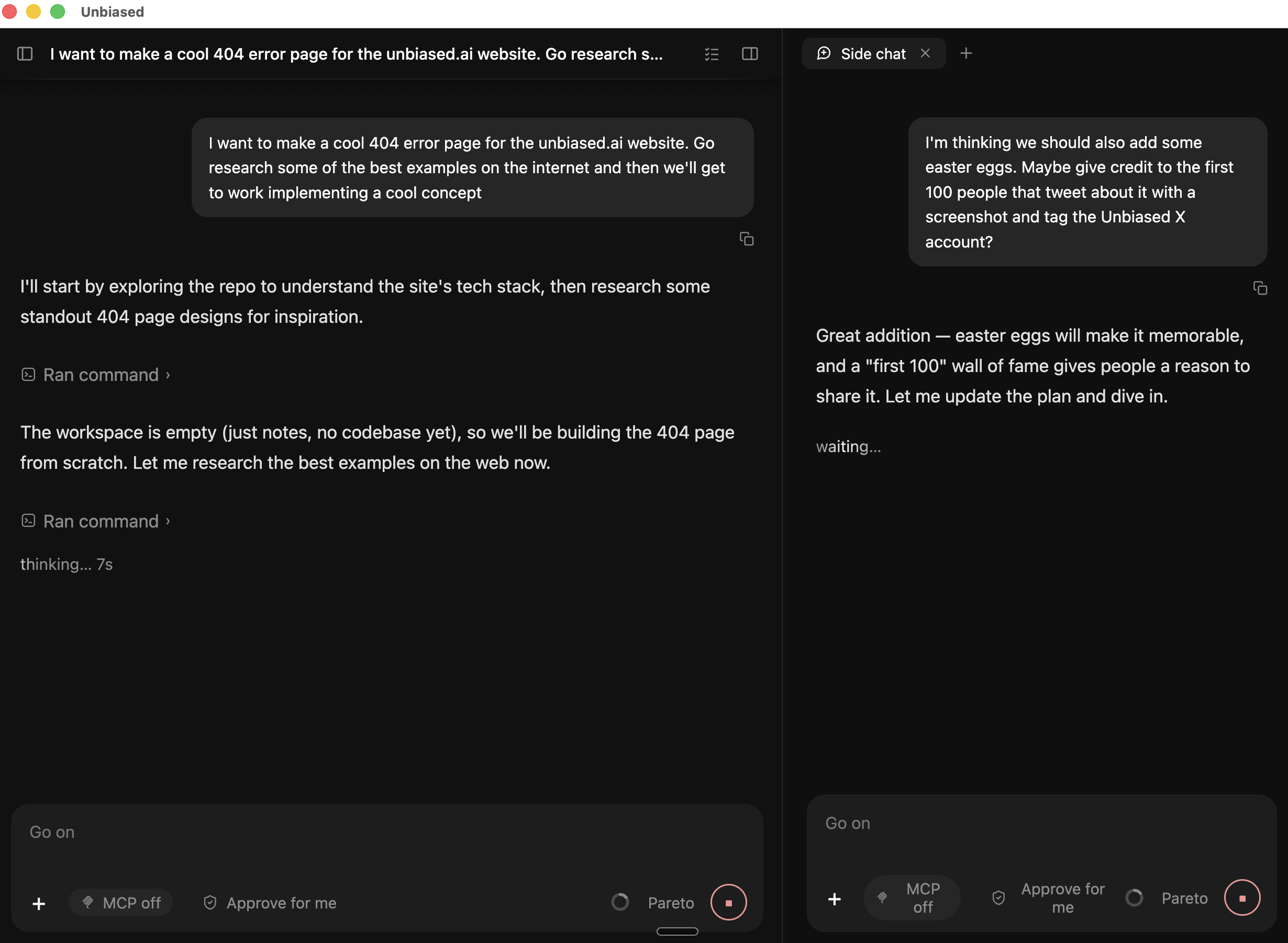
Select any text and ask about it in a side chat. It starts with the full context of the main conversation, runs alongside it, and vanishes when you close it. The main task never breaks stride.
Pick a mode for each conversation and change it mid-task. When Pareto wants to do more than the mode allows, it pauses and shows an approval card: a short note of exactly what it wants to do, with Allow and Deny buttons. Nothing happens until you answer. In the table, the project means the folder you opened for the job.
Nothing changes on your Mac until the mode you picked allows it or you click Allow.
| Mode | Reads | Edits in the project | Outside the project |
|---|---|---|---|
| Ask for approval | Runs | Asks | Asks |
| Approve for me | Runs | Runs | Asks (network allowed) |
| Full access | Runs | Runs | Runs |
Plan mode is a switch: while it is on, Pareto can look but not change anything. When a step needs more than the mode allows, it waits on a card like this:
Permissions
Allow Pareto to run this command?
npm install zodPareto keeps notes for a project and reads them at the start of every later conversation there, so a correction lands once.
Paste a screenshot or attach files and folders. Pareto looks at the picture itself, pixels and all.
Diagrams, charts and whiteboards render right in the conversation. Whiteboard shapes can be moved, edited and exported.
Plug in the services you already use, such as Slack. Connectors let Pareto read from and act in those services (for example, post a summary to a Slack channel). They use MCP, a shared standard many services support. You sign in to each one through your browser. Once connected, a connector is on in every conversation unless you switch it off for that one.
For a big job, Pareto splits the work among helpers. Each one's work is listed beneath the answer, and you can open it to read what it did.
For developers. A conversation can work in its own git worktree, so two jobs on the same code run side by side without touching each other's files.
Added to a company account? You pay nothing; the company pays with its Team credits. Skip this section. On your own, pick a plan below, then come back here, download the app and sign in from it.
$10/month
$100/month
$0.80 / million input tokens
Subscriptions are for one person and have weekly limits, counted in tokens. A token is a piece of a word, about four letters. A brand-new account works as soon as it has a plan or credits; Pareto does not answer on an account with neither. If a colleague added you to a company account, there is nothing to set up. Full details, rates and limits are on Pricing.
Click Download for macOS at the top of the page, open the file and drag Unbiased into the Applications folder. The first time you open the app, macOS warns that it could not verify it. Step 1 has the fix. Developers who prefer Terminal, the Mac's command-line app (press Command and Space, type Terminal), can paste the line below instead: it fetches the current version, checks the file is genuine and puts Unbiased in Applications. The download is about 470 MB and can take a few minutes. If it ends with the words download failed, paste the same line again. If it fails twice, use Download for macOS instead.
$ curl -fsSL https://raw.githubusercontent.com/circuitandchisel/unbiased-app-releases/main/install.sh | bash
Installing Unbiased desktop… version: v1.13.15 download: Unbiased-1.13.15-arm64.dmg checksum: verified mounting… installing to /Applications…✓ Unbiased v1.13.15 installed to /Applications/Unbiased.appLaunch it from Applications (or: open -a Unbiased).
Prefer the file? Download it here and drag Unbiased to Applications. Developers can read the installer source first.
Already use an AI coding agent? Hand it the install guide. It checks your Mac, explains each change, and asks before installing.
Unbiased AI Harness is an open-source Mac app that puts Pareto, the AI from Unbiased, to work on your Mac. It runs on an Unbiased plan or credits. Describe a job in plain words and it researches the web in its own browser, works in your other Mac apps once you grant Accessibility permission, and reads and edits your files. Developers know it as an AI coding agent for Apple Silicon Macs. It has three modes, named Ask for approval, Approve for me and Full access, which set how much it does without asking you first. Plan mode is a switch: while it is on, Pareto can look but not change anything.
Yes. Describe the job in plain words. Pareto can research the web and cite its sources, work in Mac apps such as Keynote and Numbers, and run tasks on a schedule. It also fixes and changes code, for those who have some.
No. An API key is a long password that developers use to connect their own programs to Unbiased; you do not need one. In the app, click Sign in with your browser. A page opens in your browser. Sign in there, with the email your colleague's invitation went to or with a new account, check that the code on the page matches the app, and click Approve; the app is then signed in. You can ignore the paste-a-key option and its Create one link unless you already made a key at platform.unbiased.ai; then paste it there instead. Both routes end in the same place.
Start with the invitation email from Unbiased: when a colleague adds you, Unbiased sends one, and accepting it is what creates your sign-in. Do that first. Then install the app, click Sign in with your browser, sign in with the email the invitation went to, and click Approve. You are in, and there is nothing to buy, because the company pays for Pareto. If the page says your access is pending, that your organization doesn't have access yet, or that it has no credits yet, ask the colleague who set you up. It is a setting on their side, not something you did.
A brand-new account needs a plan or credits before Pareto answers: a Personal plan is a monthly subscription, and Team is pay as you go with prepaid credits. Pick one at platform.unbiased.ai, then open the app and click Sign in with your browser again. If the page says your access is pending, wait for the email from Unbiased, then sign in again. If your company already uses Unbiased, ask a colleague to invite you instead; then there is nothing to buy.
Credits live on your colleague's company account, and the only way into that account is the invitation Unbiased emails when your colleague adds you. If you created your own account at platform.unbiased.ai, perhaps with a different email, that is a separate account with no credits, which is why it asks you to pick a plan. Find that invitation email and accept it, or ask your colleague to invite the address you use. Then sign in from the app with that same email. Skipping the payment step on your own account does not help: Pareto refuses requests from an account with no credits.
No. The code is open source (Apache 2.0 license) and the download costs nothing, but the app only works with Pareto, which takes a paid Unbiased plan or credits. On your own, you pay for it through a Personal or Personal Max plan. At a company, the company pays through its Team credits, and you pay nothing.
Apple Silicon Macs running macOS 12 or newer; web browsing needs macOS 13 or newer. Apple Silicon means a Mac with an M1 or later chip; Apple menu > About This Mac shows which one you have. There is no Intel, Windows or Linux build today.
The app has not been through Apple's developer check yet, so macOS says it could not verify it and offers only Move to Trash or Done. Click Done, open System Settings, click Privacy & Security, scroll down to Security and click Open Anyway, then open Unbiased again and click Open. macOS asks once for this version. On macOS 14 or earlier, right-clicking Unbiased in Applications and choosing Open also works. The Terminal installer does not always avoid this warning; if it appears, use the same fix. The app's code is public, so anyone can read what it does.
That depends on the mode you pick. The project means the folder you opened for the job. Ask for approval reads freely and asks before it changes files or does anything outside the project. Approve for me edits inside the project and uses the internet, and still asks before anything outside it. Full access runs without asking. Plan mode is a switch: while it is on, Pareto can look but not change anything.
On your Mac, in a hidden folder in your home directory (~/.unbiased). The messages and files needed for each reply are sent to Unbiased's servers so Pareto can answer.
Yes, after you grant macOS Accessibility permission, the Mac setting that lets one app see and press buttons in another. In Ask for approval and Approve for me, it shows what it wants to do in the app and waits for you. Choose Allow this conversation and it stops asking until that conversation ends. You can revoke the permission under System Settings > Privacy & Security > Accessibility at any time.
No. It works on the same files alongside them. Keep your editor open and review what changed the way you already do.
No. The app is built around Pareto, the AI from Unbiased, which sends each request to several AI models and combines their answers into one.
For the technically curious. The app, the engine that does the work, the part that reads and clicks other Mac apps, and the installer are all public under the Apache 2.0 license, so anyone can check what they do and change them. Start with the walkthrough of how a message travels from your keyboard to a file on disk.
Download the app, start a new chat, and describe the job in plain words.
Open source. Runs on an Unbiased plan or creditsMacs with an M1 or later chip, macOS 12+